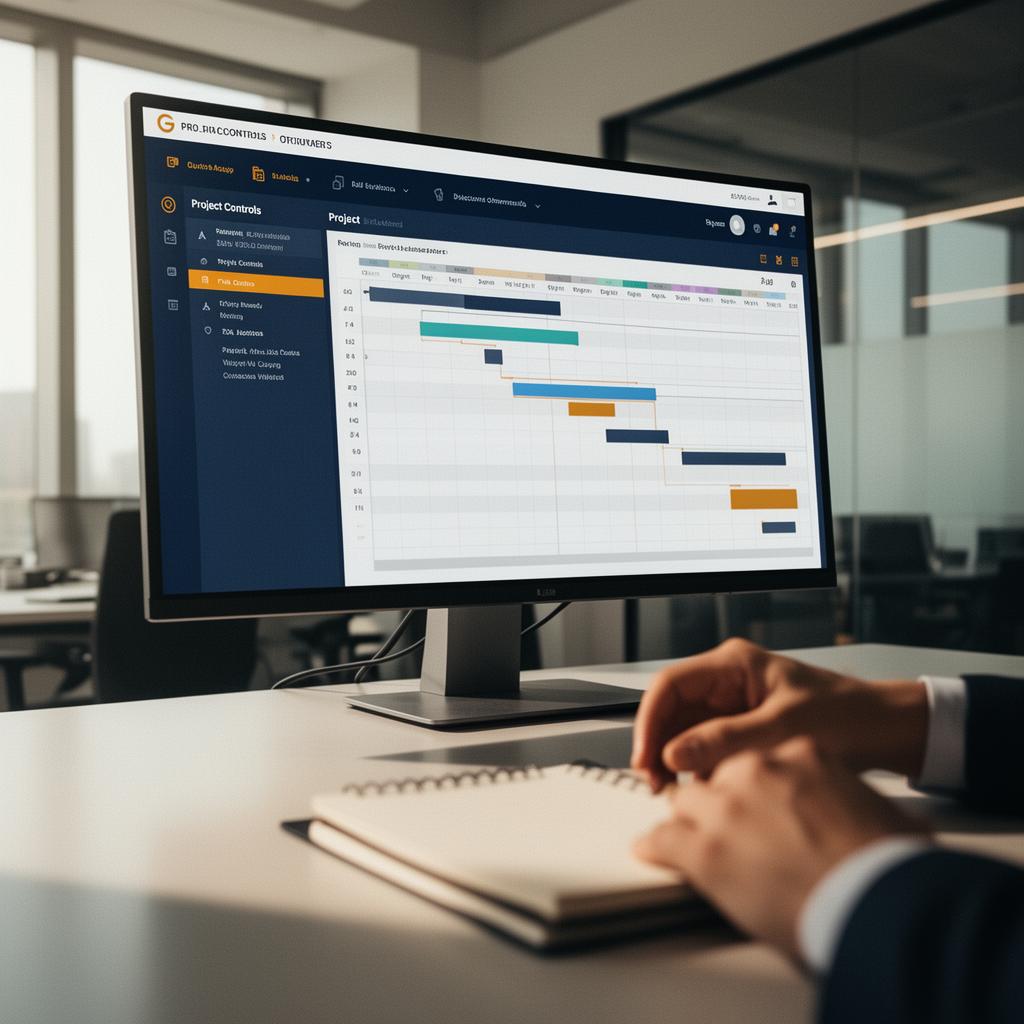
Why structured workflows, access control and reporting platforms increasingly support — rather than replace — disciplined contract administration.
Executive Summary
Digital tools do not administer contracts. People do. But well-designed digital workflows can make good administration easier, faster, more consistent and more auditable. Poorly designed digital systems can do the opposite: create duplicate records, hide decisions, fragment communication and give management false confidence.
The value of digital contract administration lies in structure. A platform should help the project team issue notices, record instructions, manage variations, track claims, control submittals, maintain registers, preserve audit trails, report exposure and retrieve evidence. It should not become a decorative dashboard disconnected from the contract.
The Problem Digital Workflows Should Solve
Many projects suffer from scattered information. Notices are in email. RFIs are in one system. Drawings are in another. Meeting minutes are in shared folders. Cost reports are in spreadsheets. Programme updates are held by planners. Commercial exposure is maintained separately. Informal messages sit on phones. When a claim arises, the project history must be reconstructed across multiple sources.
A digital workflow should reduce fragmentation. It should create a controlled route for information that matters contractually.
Workflow Before Software
The mistake is to buy or build software before defining the workflow. The project must first identify:
- What processes require control?
- Who initiates each process?
- Who reviews?
- Who approves?
- What documents are required?
- What deadlines apply?
- What status codes are needed?
- What registers are generated?
- What reports are required?
- What audit trail must be preserved?
Only then should the platform be configured.
Notices and Correspondence
A digital correspondence system should distinguish formal notices from ordinary correspondence. It should record recipient, clause reference, date issued, delivery confirmation, response due date, attachments, status and related event. Searchable correspondence is useful. Contractually classified correspondence is far more valuable.
Variations and Claims
Variation and claim workflows should connect event identification, notice, quotation, assessment, approval, payment and close-out. Each event should have a unique reference and link to supporting records. Management should be able to see submitted value, assessed value, approved value, disputed value and forecast exposure.
Submittals, Design and Approvals
Design review workflows should track planned submission dates, actual submission dates, review periods, comments, resubmissions, approvals and downstream impact. In EPC projects, design review records are especially important because approval does not necessarily transfer design responsibility, but review delay or changed requirements may still affect time and cost.
Project Controls Integration
Digital contract administration should not sit apart from project controls. Delay events should connect to schedule activities. Variations should connect to cost codes. Risk events should connect to forecast exposure. Progress records should support payment and claims. Executive reports should show time, cost, change and risk together.
Audit Trails
Audit trails are essential. A system should show who created, edited, submitted, approved, rejected or closed each record. It should preserve version history and attachments. Without auditability, the system may be useful operationally but weak evidentially.
Access Control
Access control matters. Not every user should see every claim, commercial assessment, legal note or executive report. Role-based permissions protect sensitive information while allowing collaboration. This is especially important in multi-party project environments.
Digital Does Not Replace Discipline
Digital platforms fail when teams bypass them. If instructions continue through informal messages, if approvals occur outside the system, if registers are not updated, or if documents are uploaded without classification, the platform becomes incomplete. Management may see dashboards, but the real project continues elsewhere.
Practical Implementation Checklist
Before implementing a digital workflow, confirm:
- Contract processes have been mapped
- Notice requirements are embedded
- Registers are automatically updated
- Status codes are clear
- Role permissions are defined
- Audit trail is preserved
- Reports show exposure, not just activity
- Data ownership is clear
- Users are trained
- Informal workarounds are controlled
Capital Contracts sees digital workflows as a way to strengthen contract administration, not replace professional judgement. Where appropriate, Capital Contracts can also introduce AYATA as a related digital project platform for structured workflows, records, dashboards and project governance.
---
This article is general professional insight and is not legal advice. Contract rights and procedures depend on the governing law, contract wording, project facts, notices, records and dispute forum.
Report incorrect or missing content
Spotted an error, an outdated reference, or missing context? Let us know so we can improve this insight.